

If you are a student or are learning something new, you might have heard about flashcards. Anki is an app for creating flashcards, and I want to show its capabilities with one useful example. I use AnkiDroid for Android, but you can find a version for your platform on the official site.
New card type
If you are learning a new language, it can be quite useful to add more information about the words you save in your flashcards. The basic card type has only two fields: front and back.
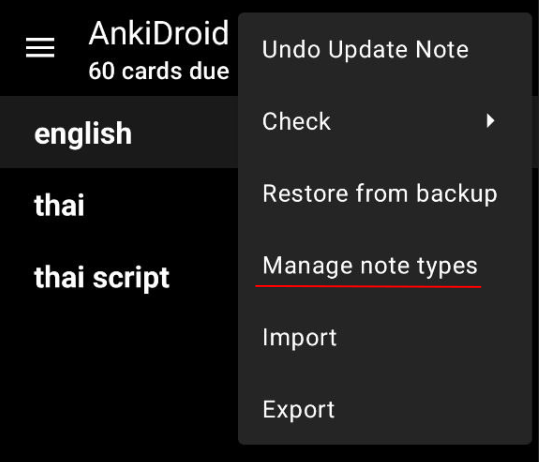
To add a new card type, select “Manage note types” in the menu under the three dots.
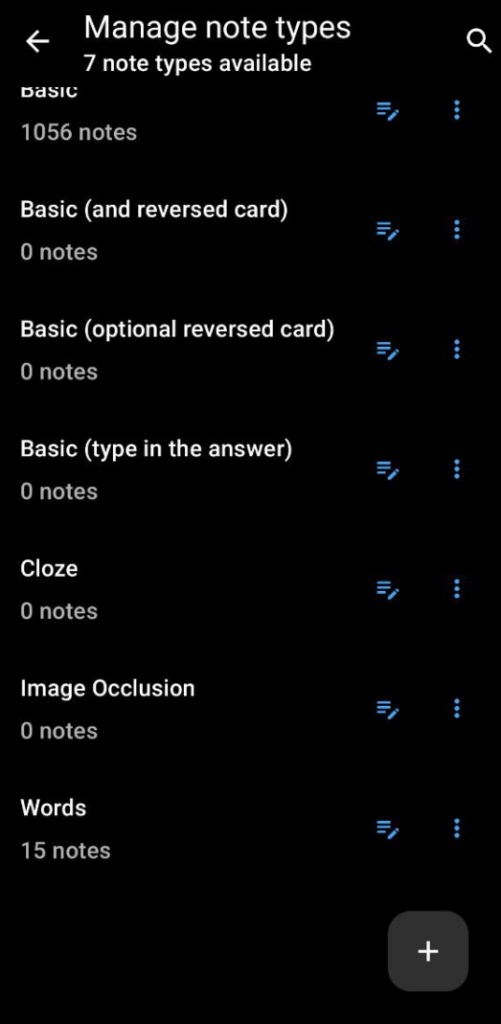
Now press the plus (+) button at the bottom
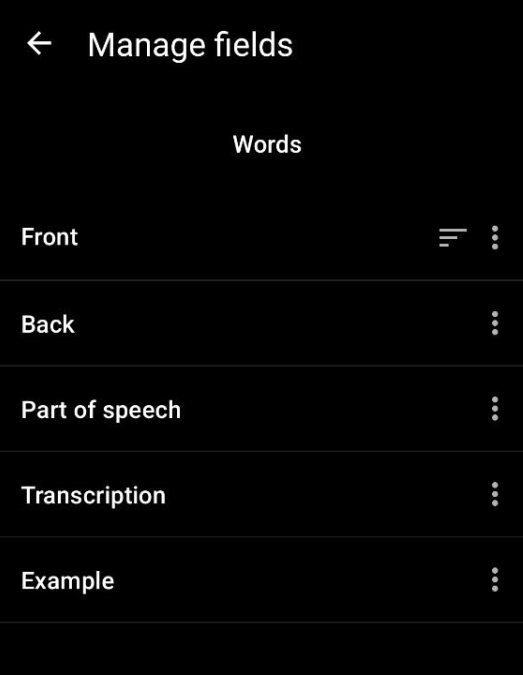
Add as many fields as you need.
Card layout
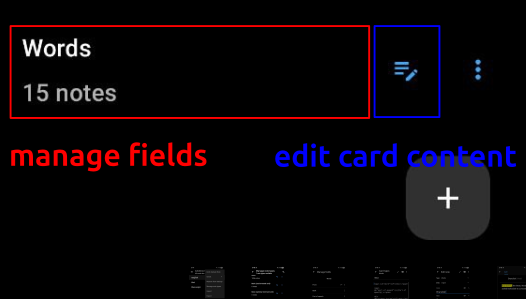
To add fields to the card layout, press “edit card content” button. Selecting a card type will take you to fields managment.
Here you can use HTML for the card layout. By pressing the buttons at the bottom, you can switch between the front and back sides of the card. You can also add CSS styles.
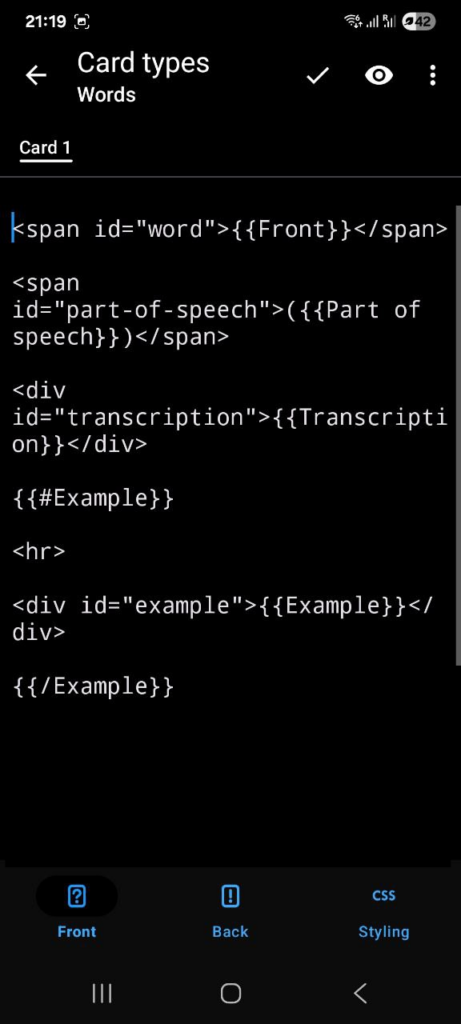
<span id="word">{{Front}}</span>

<span id="part-of-speech">({{Part of speech}})</span>

<div id="transcription">{{Transcription}}</div>

{{#Example}}

<hr>

<div id="example">{{Example}}</div>

{{/Example}}Use double curly brackets {{}} to interpolate a field value into the layout. An if condition is written as {{#Example}}{{/Example}}.
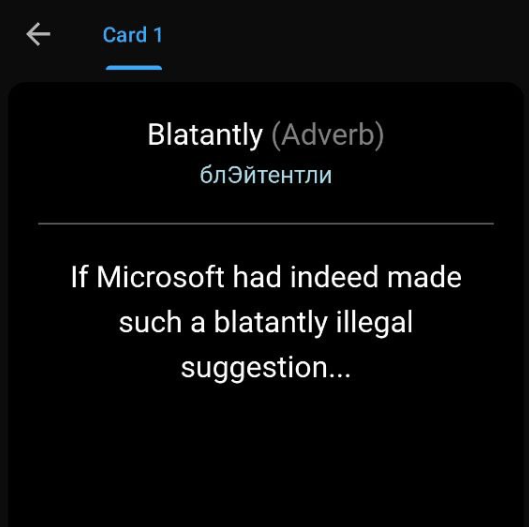
It will look like this.

To make it a bit nicer, use CSS.
#part-of-speech {
    color: grey;
}

#transcription {
    font-size: 16px;
    color: lightblue;
}
JavaScript usage
Imagine you want to hightlight a word in an example. For that purpose, you can use HTML directly in fields.

However, it would be too tedious to write it every time, especially on a smartphone.
Use JavaScript instead. Write it directly in the HTML layout inside a script tag.
<script>
  const example = document.getElementById('example');

  const exampleText = example.innerText
    .replace('(', '<mark>')
    .replace(')', '</mark>');

  example.innerHTML = exampleText;
</script>Here I replace parentheses with the mark tag. Of course, I could just find a word with a regular expression and wrap it with a tag, but words can be in different tenses. The code to handle all cases would be more complex. Just keep it simple.
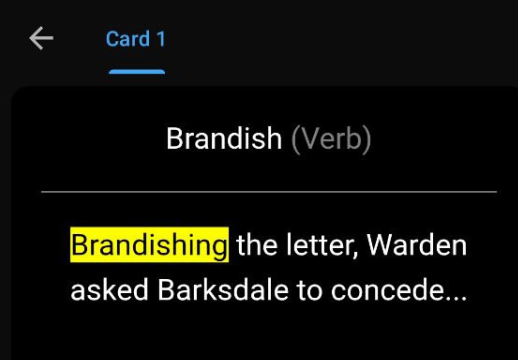
Now you can wrap the word in parentheses to highlight it.
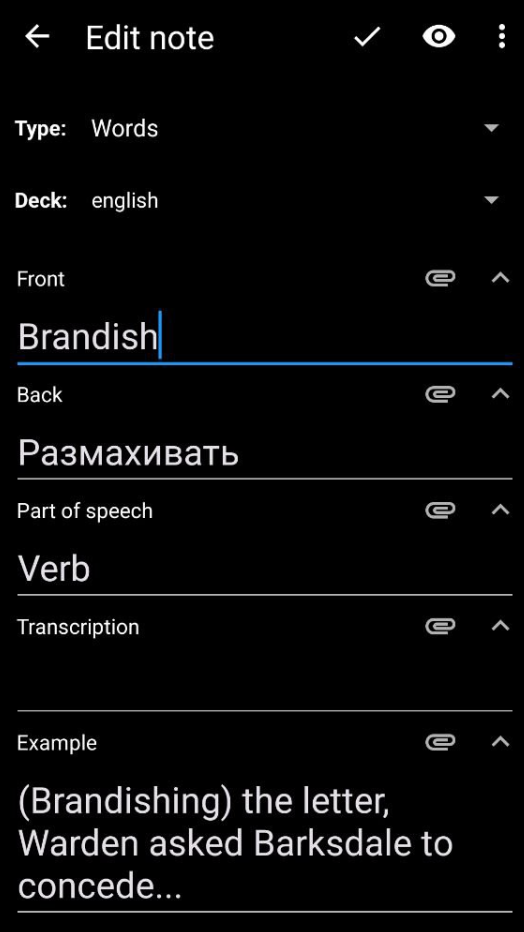
The result:
Conclusion
This is only one example of using JavaScript in Anki, but surely you can come up with many more.