

Recently, I updated my sticker pack in Telegram, and here I want to share how it’s done. Creating a pack with images is easy, but creating one with videos requires an additional step – converting your GIF or video into WebM format.
Preparing the video
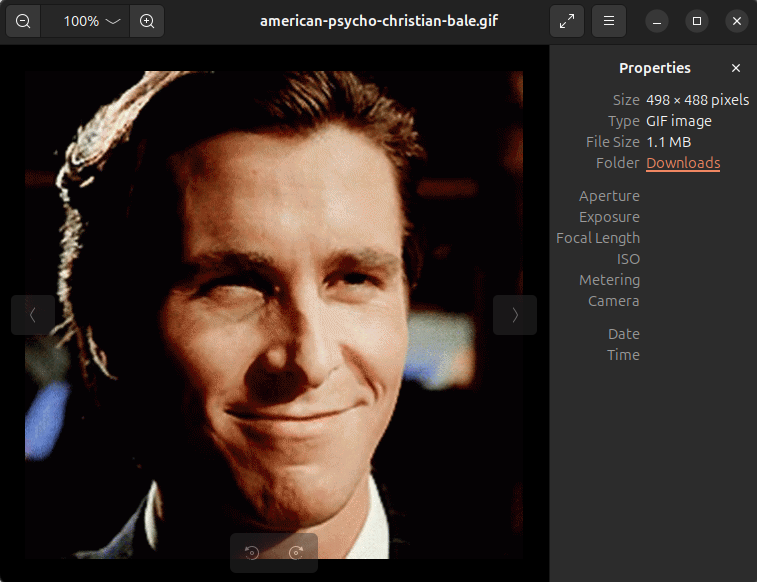
For example, you found and downloaded an animated GIF file. Choose files that are close to 512×512 px in size because you will scale them. If size is too small, the resulting file will have poor quality.
The next step is to visit site https://ezgif.com/. There, you can do anything with your GIF file – crop, resize, change frame rate or quality, etc. The site is 100% free.
First, choose “resize” and upload the file. As Telegram requires, at least one side of the video must be 512 px, while the other must be 512 px or less. My image’s size is 498×488 px, and I set the new height to 512px. The new size will be 522×512 px.

I could set width to 512px, and the result would be 512x502px, which fits Telegram’s requirements, but I want to get a perfect square, so I make the image a little bit bigger to crop it afterward.
To finish resizing, press “Resize image!” button, and you’ll get the resulting image.
The next step is “crop“. You can choose it under the resulting image

To get a square, I just crop 5 px from the left and right.

Now the size is perfect. The next thing is to check the length of the animation. It must be 3 seconds or less. To cut the length of your file, press the “cut” action.
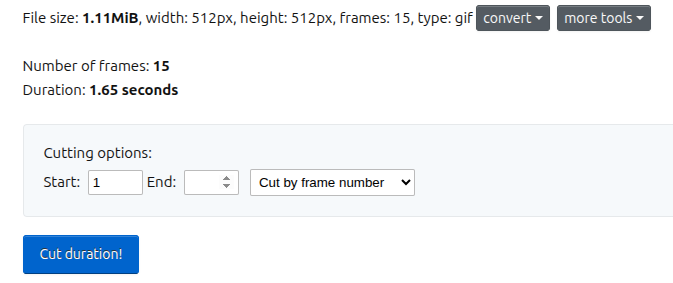
My file’s length is fine, so I won’t do anything.
After the GIF file is ready, it’s time to convert it to video format. Press convert -> to WebM video.

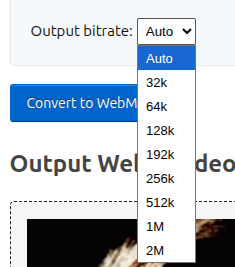
The resulting file must be 256 KB or less. If it’s too big, change the bitrate. Try different options to find the balance between size and quality. Then press “Convert to WebM“
Creating a sticker pack
The file is ready! Now it’s time to publish it. Your best friend in this matter is the official sticker bot @Stickers. It provides all essential commands and a mini app for creating a new sticker pack.
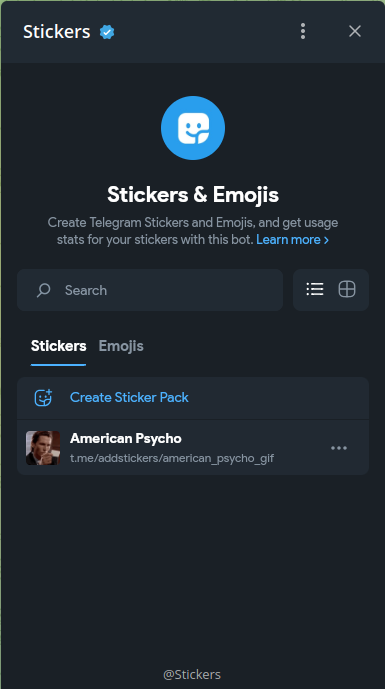
To create a new video sticker pack, send the /newvideo command and then follow the instructions from the bot.

Add all your stickers one by one. To use and share your sticker pack, send the /publish command to the bot. To get the link to your sticker pack, press “Share Stickers” button.
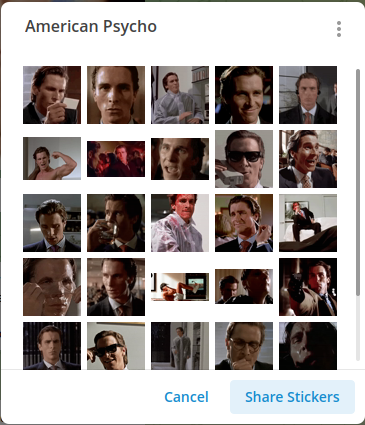
My sticker pack is here: https://t.me/addstickers/american_psycho_gif